Example saved views worth building and pinning
Written By Matti Parviainen
Last updated 4 months ago
Resource planning comes down to three questions: what work is coming, which roles on it still need people, and who's free to take them on. You can answer each with a saved, pinned view — together they give you a live picture for the handover between sales and delivery. This article shows how to build those three views (plus a few other useful ones).
These views are just saved filters pinned to your sidebar. For the pinning and folder mechanics, see How to create, pin, share, and edit views — here we focus on which views to build.
Staffing and resourcing-related views: upcoming projects, open positions, available people
Upcoming work
The projects that aren't confirmed yet — what your team may soon need to staff.
Go to the Projects list.
Click Filter and set Project status → Tentative. Narrow further if you like (by group, site, and so on).

Filter tentative Projects. Save it as a view (name it, e.g. "Upcoming work", and optionally share it with a group), then pin it.

Open positions
The positions on projects that don't have a person yet, i.e. the
Go to the Positions list.
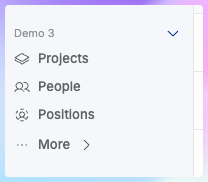
Filter Person → None to show only unassigned positions.

Person: None filter Save and pin the view (e.g. "Open positions").
Available people
Who has capacity to take on the open work.
Go to the People list.
Filter by Availability — for example, more than 50% available in the next 30 days. Adjust the percentage and the period to fit your planning window.

Example filter: Availability greater than 50% Save and pin the view (e.g. "People available").
Keep them together
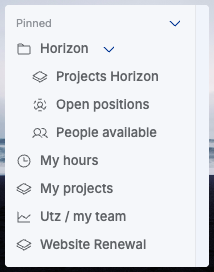
Put the three views in one folder (for example, "Staffing") so they sit together in the sidebar.
Other ideas for pinned views
My Projects – projects where you're the owner or a contributor
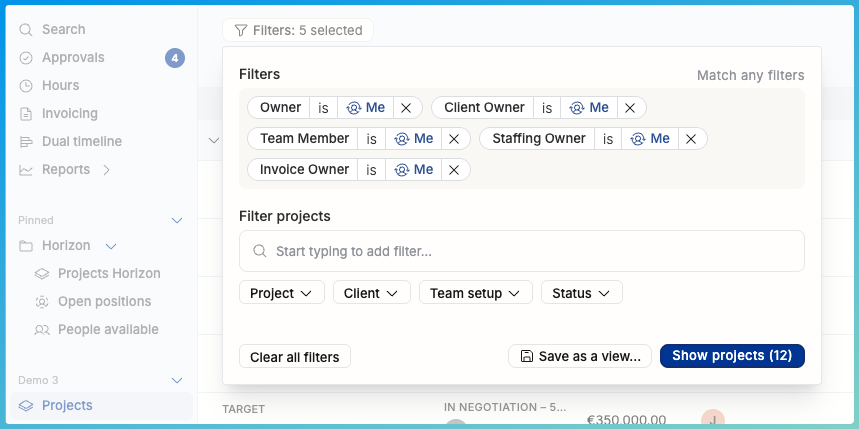
My hours: your time entries (Person → Me), with the date range you're focused on.

My team’s hours: time entries for people who report to you (Person → Reports to → Me).
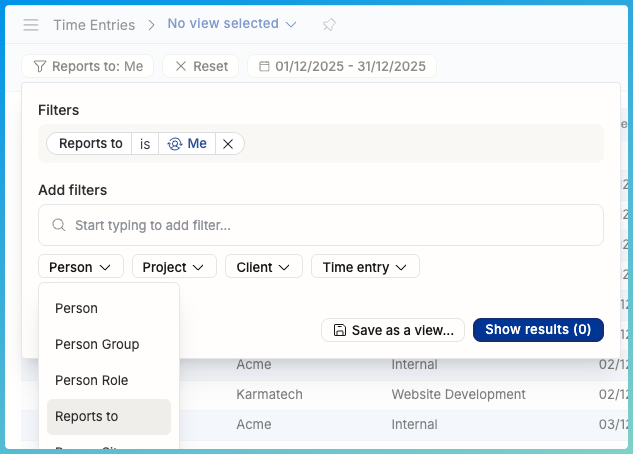
People “Planned vs Actuals” report for everyone who reports to me

A project you watch closely
Tired of always searching for that one project (with cmd/ctrl+K or from a long list)?
After searching for the project, it opens full screen, and you can pin the individual project page as well:
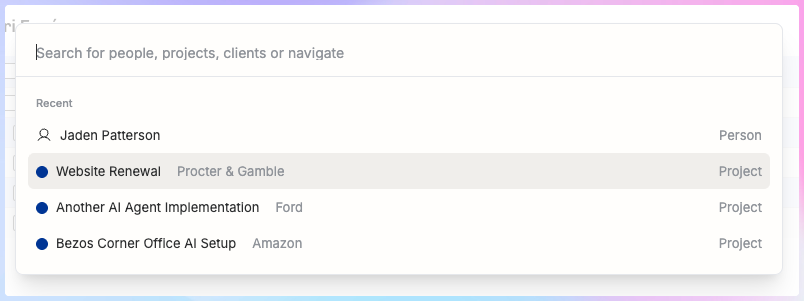

A neat collection of Pins
Related articles
Was this helpful?
Still need help? Ask the team