Person Detail Page & Primary Roles
The old way of doing these things was scattered in many different places:
showing the professional profile
editing employment details
administrating the Person
editing and viewing skills
The new Person Page does all of this and looks awesome while doing it. See:
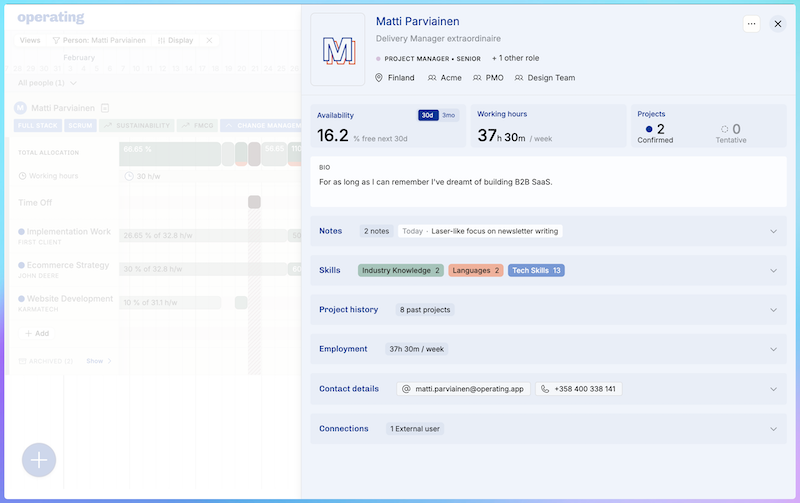
You can open the Person Details from everywhere you look at a Person and want to open their profile. In the screenshot above, I was looking at Matti on the Timeline and the details opened up in a drawer. It’s very easy for me to get back to the Timeline.
The at-a-glance numbers tell me the most important facts to inform staffing decisions:
does this person have free time (in the next 30 days or 3 months)
how many hours per week are they working
which projects are they currently assigned to – and do they have tentative plans?
We let go of the old “summary for staffing” text field and brought the Bio to the forefront.
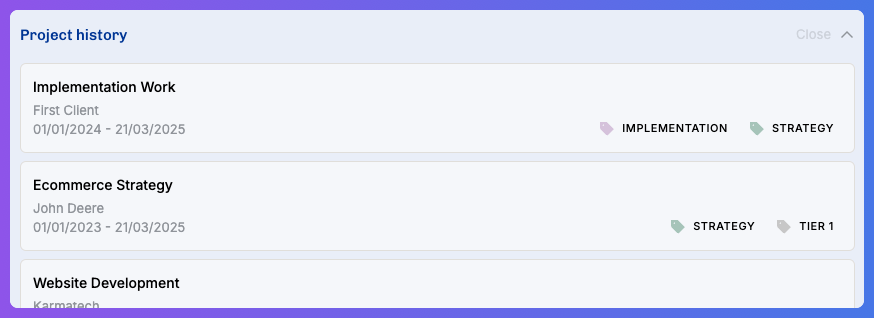
Another thing that is really nice to see here is the Project history, here’s a nice example with the project & client tags visible:
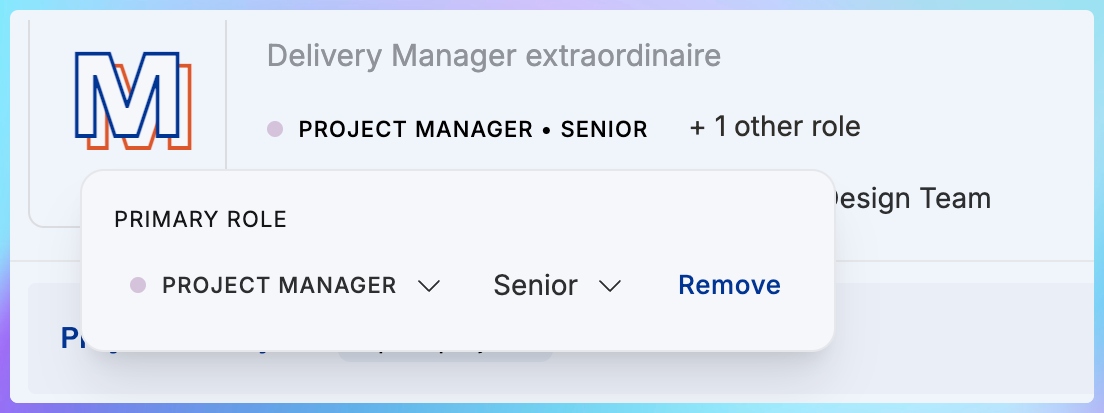
Primary role + additional roles
As we’re gearing up to handling rates and costs effectively, we decided to make the Role logic more explicit. You can still have multiple roles per person, no worries: you can indeed be both a Developer and a Designer. However, only one of these ought to be your Primary Role. That’s how we can show your details right in reports, and determine things correctly rather than flipping a coin to know which role is the preferred one.
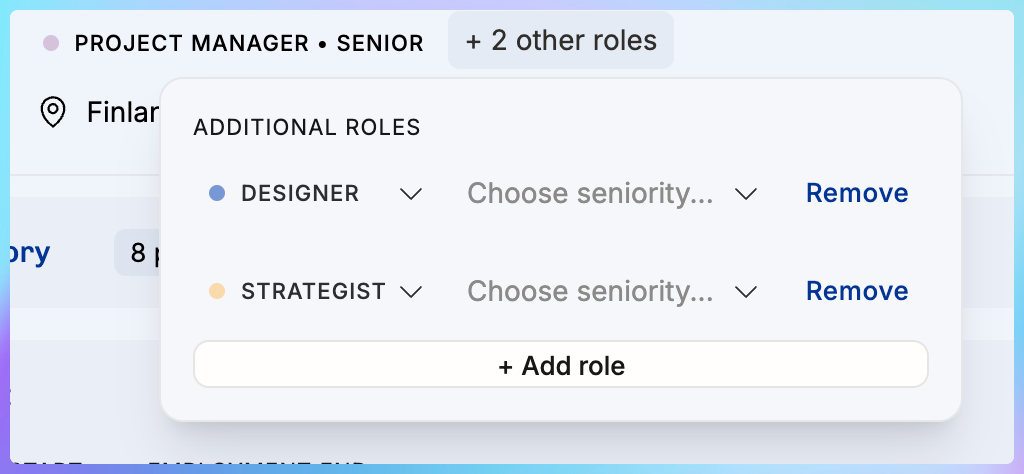
You additional roles are shown right next to the primary role like this:
Big thanks to everyone who helped us with HubSpot V2!
We’re confident that the improved HubSpot integration is ready for general release next week. Thanks to all of you who helped us figure it out. Thank you for your feedback & troubleshooting help.
Heads-up: internal and non-billable things change next week
No action required from you, but good to know: our logic for handling internal projects will change for the better:
Until next week, internal projects have had a Group as the Client (not intuitive)
New internal-group clients will be automatically created with the same names, no interruption to your daily work
There hasn’t been a way to have non-billable projects for Clients (although these exist)
Next week, you will be able to create non-billable projects also for regular Clients, for example “Non-billable sales efforts” if you allocate for those. Maybe you should?