Time tracking: every day in detail, with notes
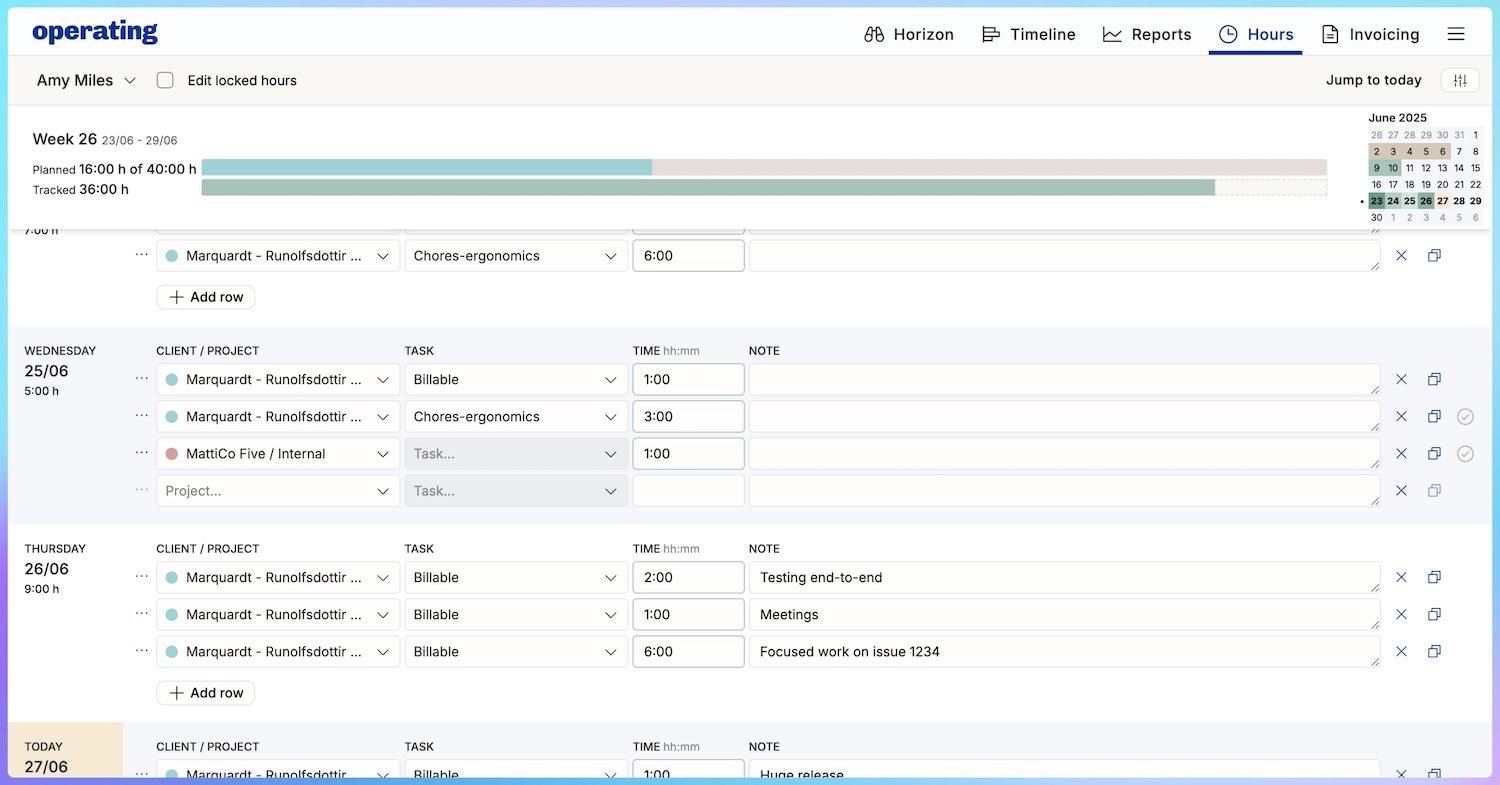
We released the list-based time tracking view for Operating Hours, our time tracking feature.
The week-based timesheet view was great for punching in the hours and minutes to each project task, but adding notes wasn’t easy. Some customers require a description of what was done with each time entry. Some of us also prefer to split our time entries to smaller pieces.
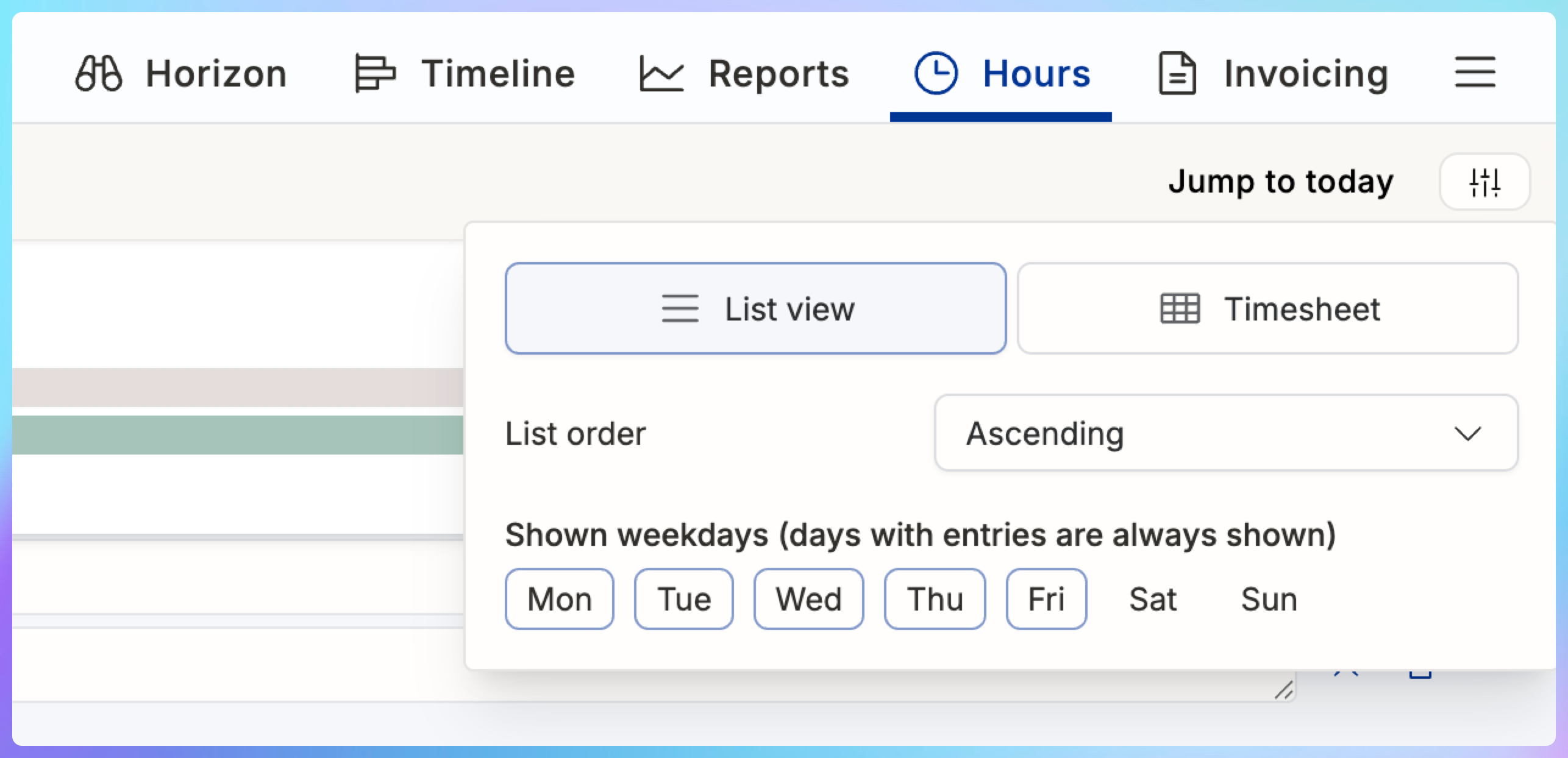
The new list view is perfect for that. Find it under Hours, in the Display menu:
Here’s how you can enter all of the day’s work in as much detail as is necessary:
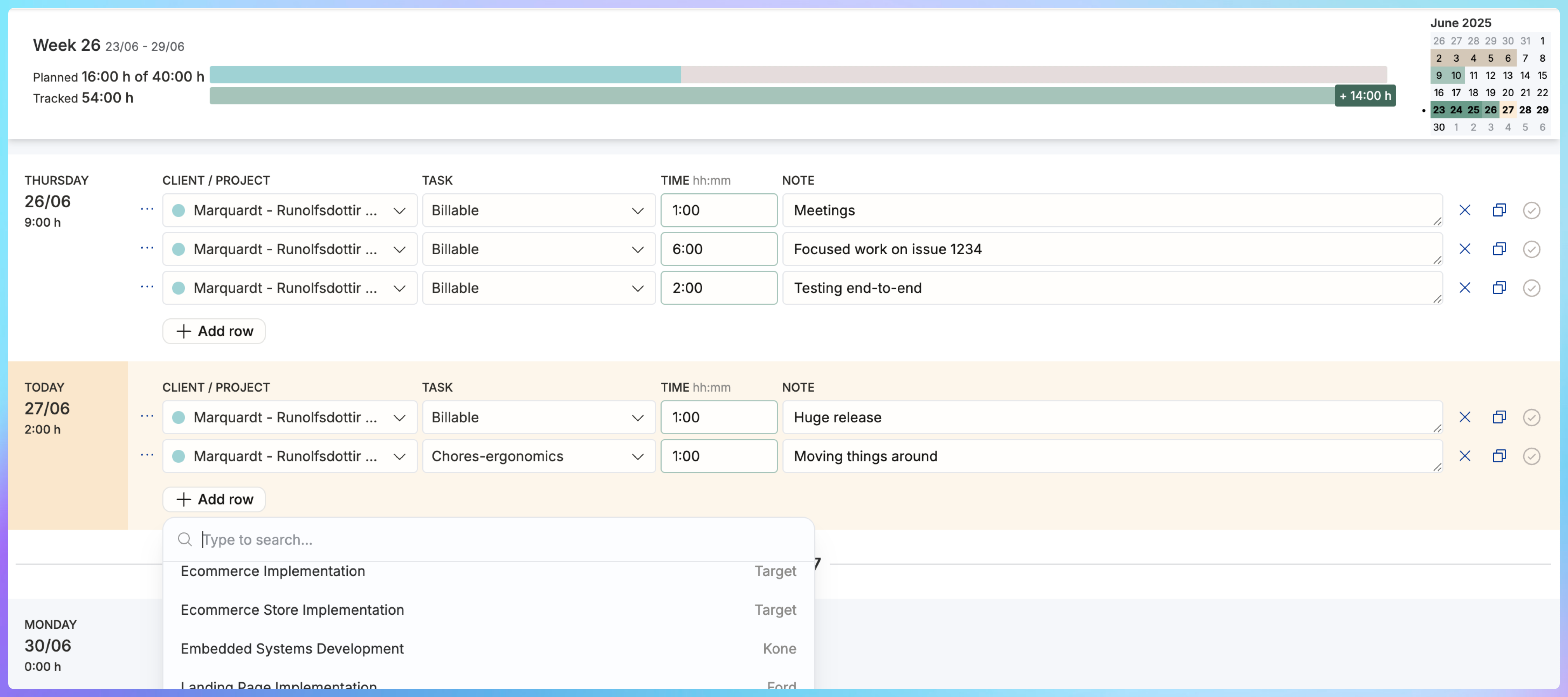
The mini-calendar at top right helps you notice if you have any blank days – the week starting on the 16th must be missing time entries!
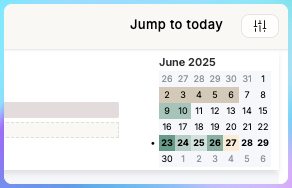
Time to punch in the hours, as the month is almost over and invoices are about to go out.
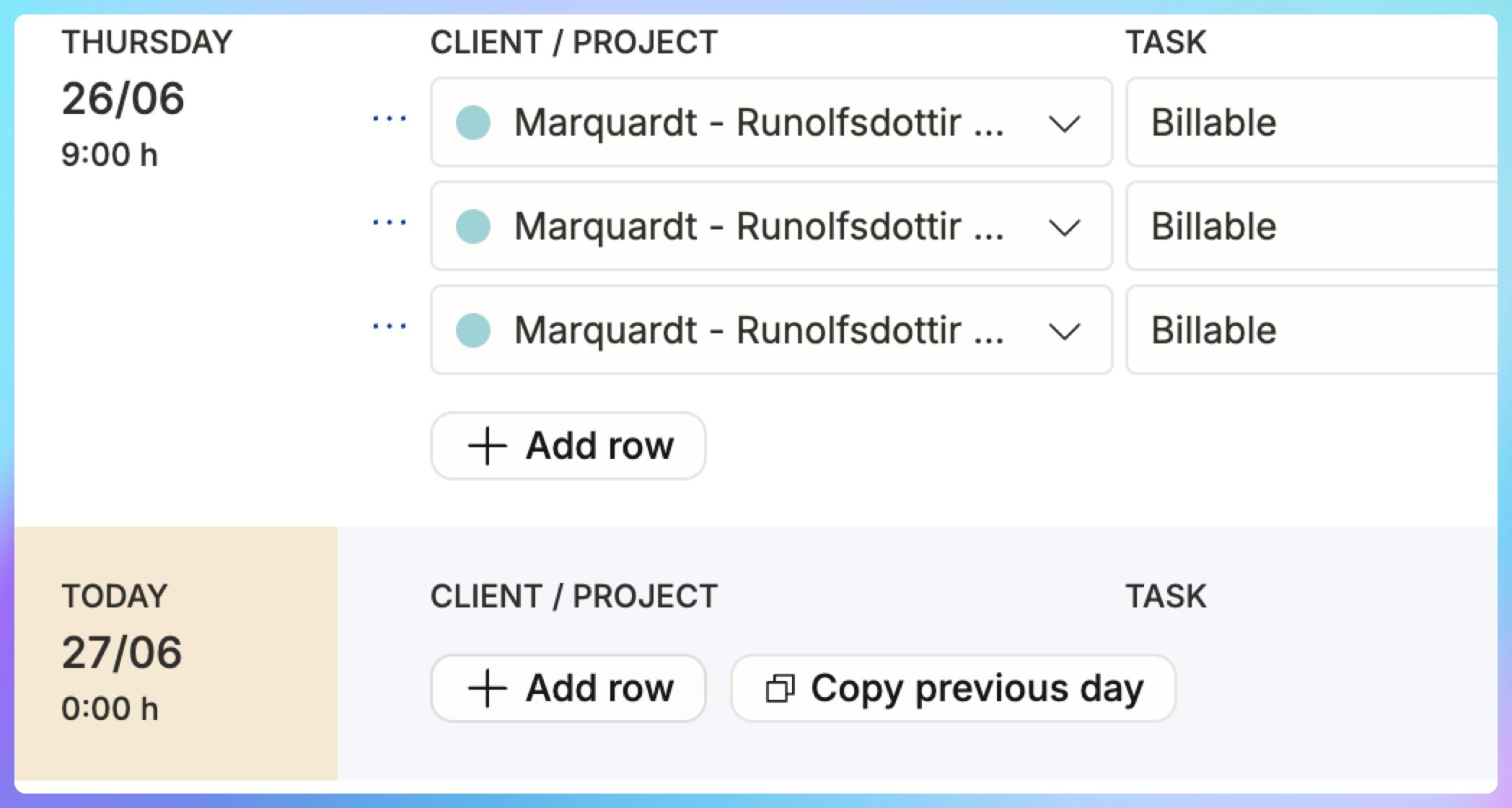
If your days look alike, you’ll surely find the "Copy previous day” useful:
Switching between the list view and the week-based timesheet is up to you – whichever you decide to use, you follow the time tracking progress bar appear below the planned allocation bars. Not every day goes exactly according to plan, but this helps you stay on track every week.
Take Hours out for a test drive?
Drop us a line at support@operating.app – we’re happy to give access to individual users before you commit to a full company roll-out. Try it and you’ll see how nice it is to track time in the same system where you have already planned the work allocations. Read more on our website.