Reporting structure (reports to)
Managerial relationships between people
Written By Matti Parviainen
Last updated 3 months ago
In Settings → Organization → Reporting structure, you can turn this setting on.
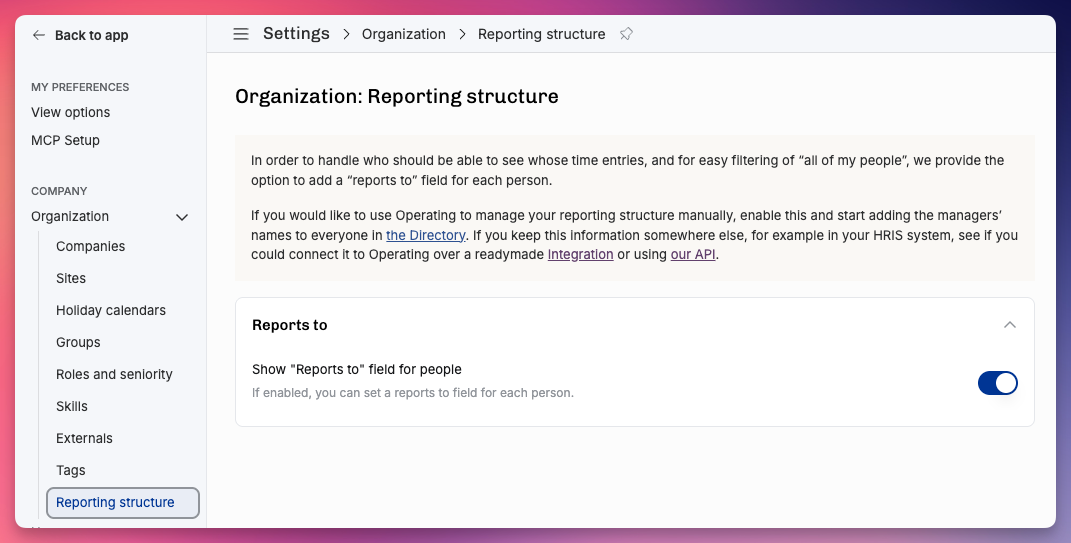
In order to handle who should be able to see whose time entries, and for easy filtering of “all of my people”, we provide the option to add a “reports to” field for each person.
If you would like to use Operating to manage your reporting structure manually, enable this and start adding the managers’ names to everyone’s Reports To-field in the profile. If you keep this information somewhere else, for example in your HRIS system, see if you could connect it to Operating over a readymade Integration or using our API.
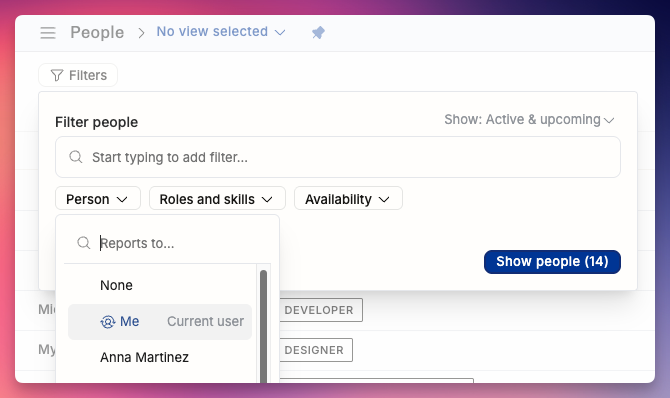
This is very useful if you want a quick way to look at “my team” in filters:
Some permissions and visibility controls are also affected by the reporting structure.